
SOFTERA

Published Softera apps

Three products you can install today. Each page has store links, screenshots and QR codes for Google Play and the Microsoft Store.

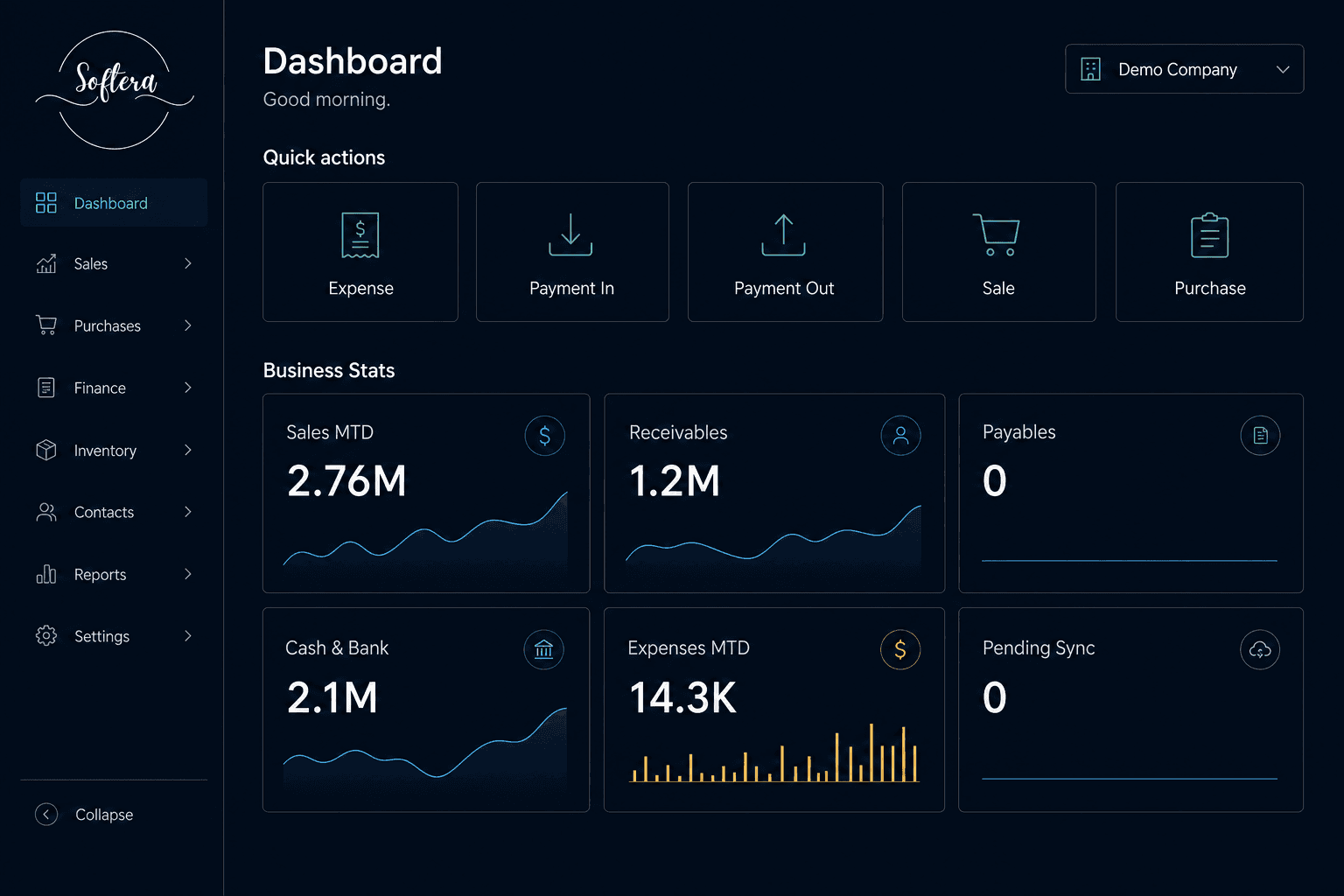
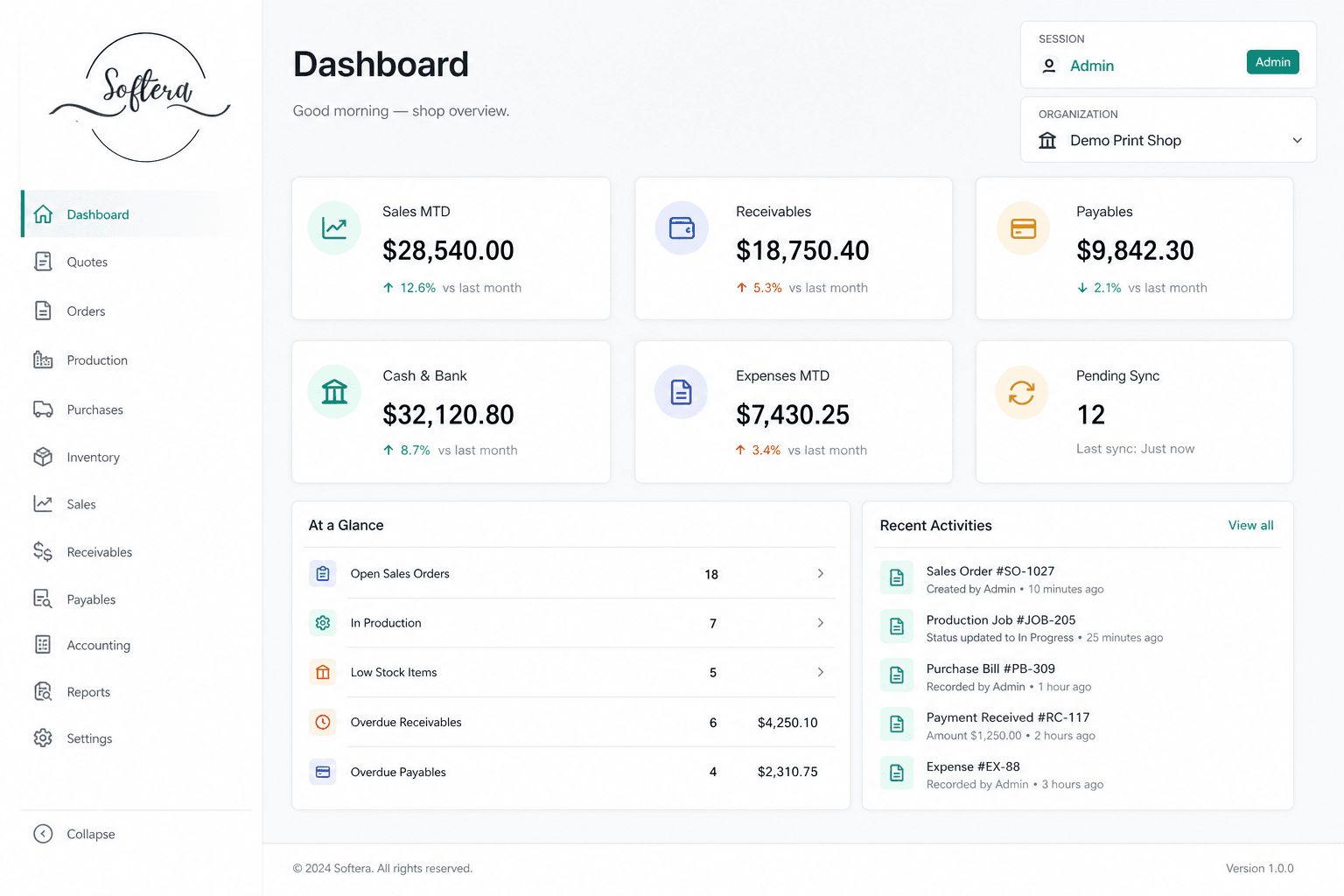
Softera App premium ERP dashboard with Softera branding
Softera App icon from Microsoft Store

Softera App

ERP and accounting for growing businesses

Softera App is listed on Google Play as an ERP and accounting product. The Windows listing is published on the Microsoft Store, so the same product family can be opened from a phone or a PC. Scan the QR codes below to install from either store.

  • Google Play: ERP and accounting
  • Microsoft Store listing for Windows
  • QR codes for Play Store and Microsoft Store
Full screenshots and QR codes
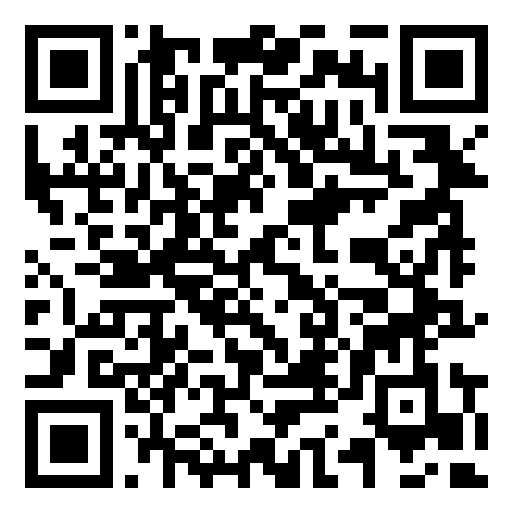
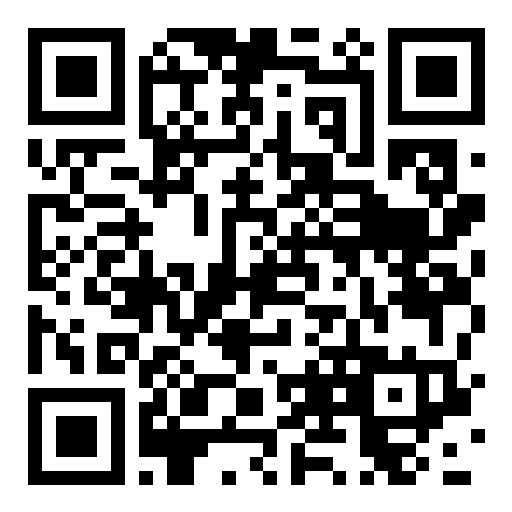
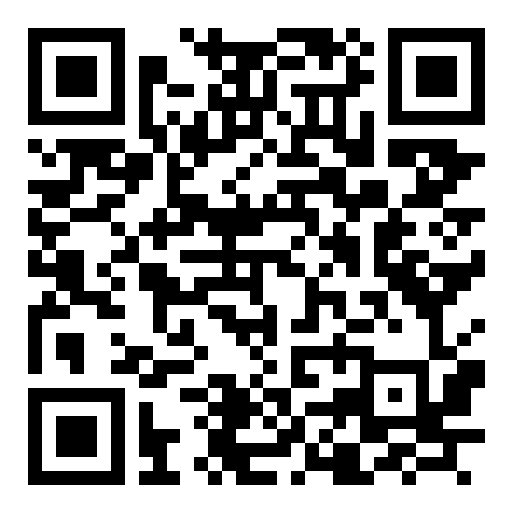
QR code to install Softera App from Google Play

Google Play

Scan to open the Google Play listing for Softera.

Open Google Play
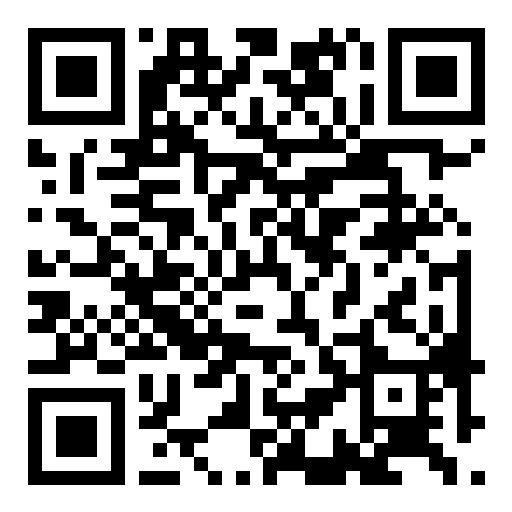
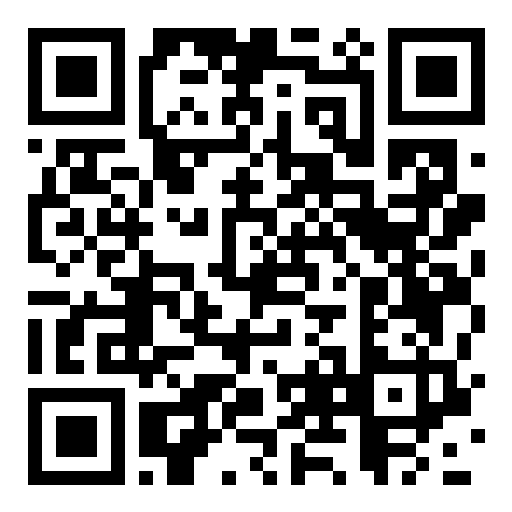
QR code to install Softera App from the Microsoft Store

Microsoft Store

Scan to open the Microsoft Store listing for Softera.

Open Microsoft Store
Graphics ERP dashboard with Softera branding
Graphics ERP icon from Google Play

Graphics ERP

Media and graphics sellers, panaflex shops, and printing businesses

Graphics ERP is built for media and graphics sellers, panaflex shops, and printing businesses. The Google Play listing describes accounting for print and graphics shops, covering sales, stock, media cuts and ledgers. It is also published on the Microsoft Store for Windows.

  • Customers, suppliers, products and warehouses
  • Sales, purchases, expenses and ledgers
  • Length × width media-roll stock for print work
Full screenshots and QR codes
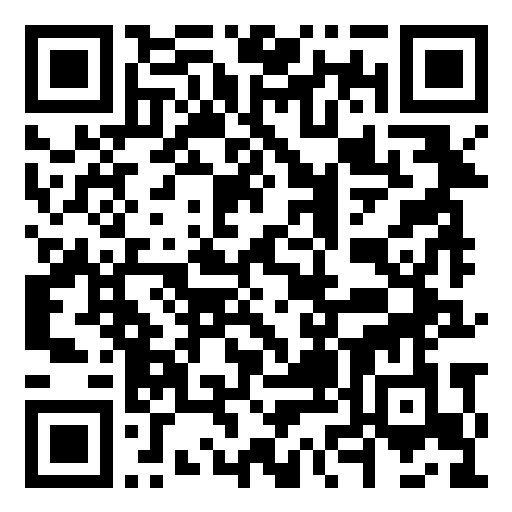
QR code to install Graphics ERP from Google Play

Google Play

Scan to open the Google Play listing for Graphics ERP.

Open Google Play
QR code to install Graphics ERP from the Microsoft Store

Microsoft Store

Scan to open the Microsoft Store listing for Graphics ERP.

Open Microsoft Store
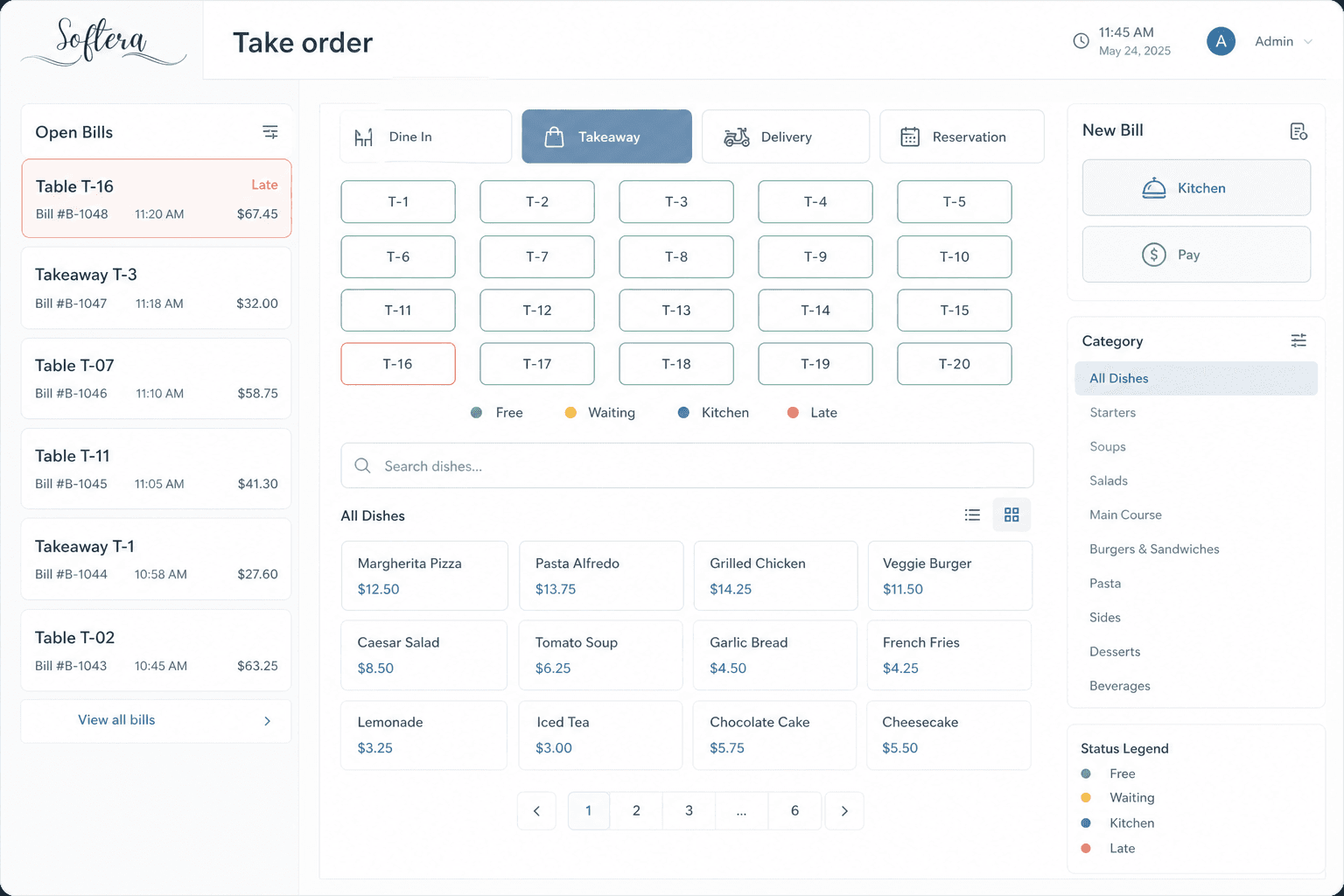
Dine360 take-order POS screen with Softera branding
Dine360 icon from Microsoft Store

Dine360

Restaurants, cafés and hospitality teams

Dine360 is a restaurant management workspace for restaurants, cafés and hospitality teams. It is built for floor and kitchen work together: POS orders, kitchen tickets, tables, inventory, deliveries and accounts. The Microsoft Store listing also covers payments, ledgers, FBR digital invoicing, cloud sync and PIN lock. Install from Google Play or the Microsoft Store using the links or QR codes below.

  • POS orders, tables and kitchen tickets (KOT)
  • Inventory, purchases, payments and ledgers
  • Deliveries and FBR digital invoicing from the same workspace
Full screenshots and QR codes
QR code to install Dine360 from Google Play

Google Play

Scan to open the Google Play listing for Dine360.

Open Google Play
QR code to install Dine360 from the Microsoft Store

Microsoft Store

Scan to open the Microsoft Store listing for Dine360.

Open Microsoft Store
WhatsApp